
Beans publishes a step-by-step tutorial on how to deposit and withdraw cash through MoneyGram integration, enabling users to move money in and out of their non-custodial app with zero fees.
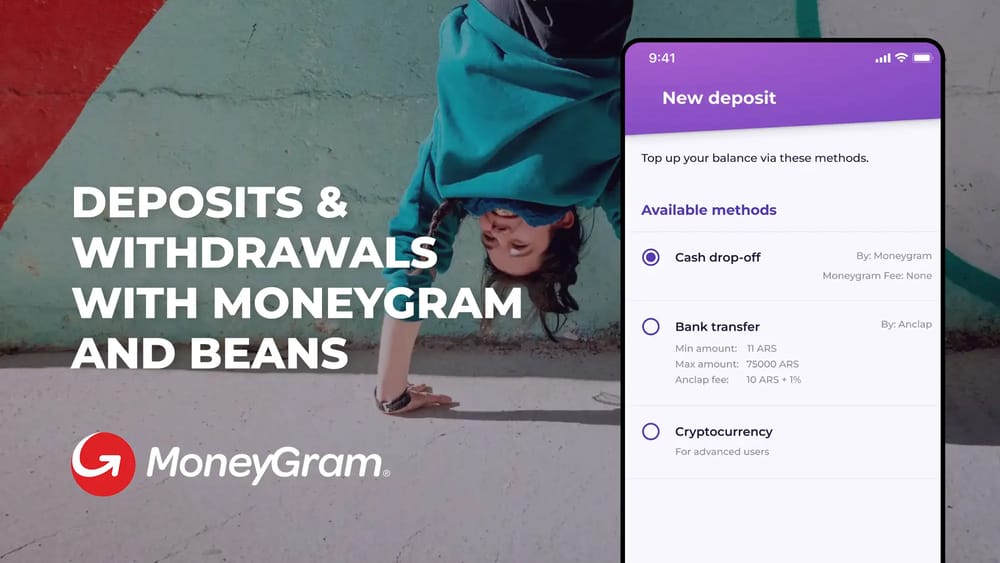
Beans, a non-custodial payments and savings app built on Stellar, has released a comprehensive guide for users on depositing and withdrawing cash via MoneyGram. The tutorial walks through the three-step process for both deposit and withdrawal: initializing the transaction in the Beans app, filling in personal details and ID verification, and then visiting a MoneyGram location to complete the transaction. The guide emphasizes that the process is straightforward and fast, with funds arriving in minutes. It also includes a helpful note clarifying that users should not initiate a new transaction at MoneyGram locations, as the app-initiated transaction already contains all necessary information with MoneyGram.
